November 19th, 2012
A SNMP humidy/temperature sensor with DHT11. On an Arduino Mega with W5100 ethernet shield.

The hardware


Graphics are made with Cacti. A poller gets the temperature/humidity with an SNMP-request every 5 minutes. RRDtools makes nice graphics of all the information.
Posted in Bascom-AVR | Comments Off
November 19th, 2012
Another example of the Bascom-AVR W5100 library. Hardware, Arduino Mega with a W5100 ethernetshield and a DHT11 temperature/humidity sensor.
It will wait for a request from Google Earth and when contacted, it will send a KML-file. Now temperature/humidty is send, but that can be any value like alarms, values etc.


The way you make a network link in Google Earth.
And with a second socket on the W5100 you can even switch things on/off with an telnet-session

Posted in Bascom-AVR | Comments Off
November 19th, 2012
At the moment dealextreme dot com is selling 32 x 8 matrix clocks for about 10 euro each.
Registers are from left/top 0 to right/bottom 63, 4 bits. Atmega8L on an internal 1 Mhz clock. Connector for a ISP programmer. But watch out, 5 volts power supply.


And if you want to see some action, here falling digits
http://members.home.nl/hobbycorner/movies/ht1632.AVI
Posted in Bascom-AVR | Comments Off
November 18th, 2012
On a 7 inch display, 800 x 480 pixels, RGB.
Adapted code. Main Bascom-code on the German Bascom-forum. With some small changes to have it work on the Alvidi Atxmega128A1 AVRB board. The SD-card on this module is located on SPID instead of SPIC.
So I had to modify the Bascom-LIB a bit. It is clearly stated in the LIB where to change SPIC into SPID…

The original BMP-file

Shown on the display, read from the onboard SD-card.
Posted in Bascom-AVR | Comments Off
November 18th, 2012
Made a clock with an Arduino Mega, displayboard + clock and a 2.4 inch ILI9325D driven display. It is a clock which shows the time in clear text. It refreshes the display three times a minute so it is a bit alive.
In the code SIX1 wrote for the ILI9320 and I adapted for the ILI9325 there are some pre-defined colors. The gray3 color can hardly be seen, and the idea was to have all words displayed in this gray3 color at the back and have them light up in yellow.
Here the steps from Arduino Mega to a well looking ‘Rolex’ that fits very well as a desk clock. The text is Dutch, fetched from a lookup-table so can be in any language

The main screen

It has a touchscreen, so by tipping the screen you get an option to adjust date and time.


The finished clock, to small to hang on a wall, but nice on a desk.
Posted in Bascom-AVR | Comments Off
November 18th, 2012
Bought a Diamex ALL-AVR programmer. The green device on the picture.
With my Dragon programmer I disabled the Jtag-Enable fuse of the Atxmega Xplained.
Made a small converter and now it is possible to program the Xplained board right from the Bascom-AVR IDE.
Here some pictures

The combination Atxmega Xplained, converter and Diamex programmer

The small converter.
I found the schematic here: www.nlvocables.com/blog/?p=545

Settings in Bascom-AVR.
Some additional info:
You have to power the Xplained board with a USB-cable. And after you programmed the board you have to unplug the Jtag-cable because the reset is held low by the converter.
Posted in Bascom-AVR | Comments Off
November 9th, 2012


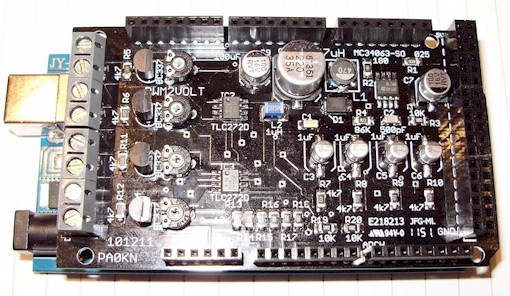
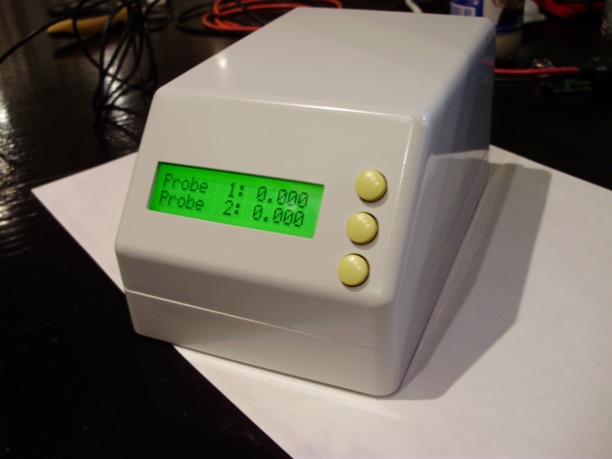
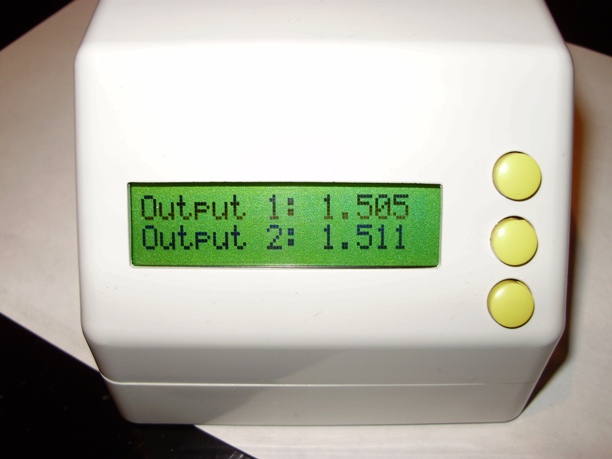
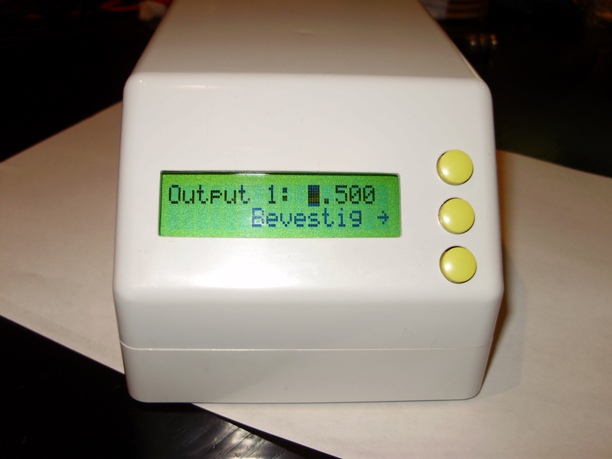
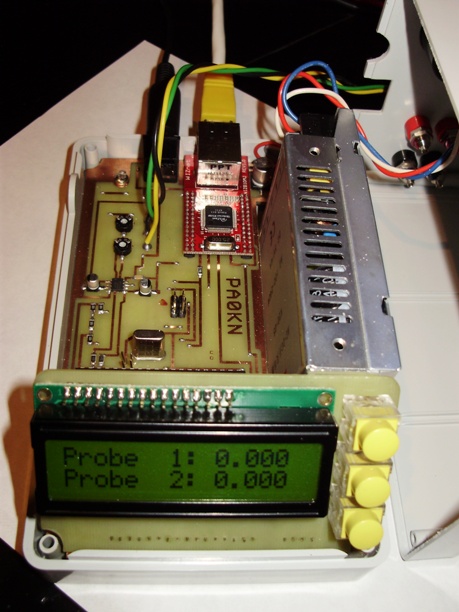
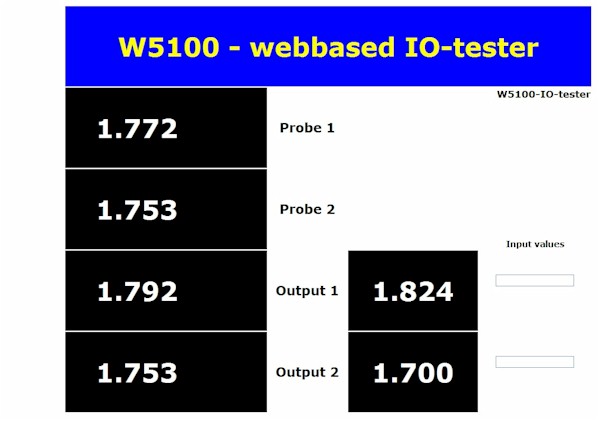
With a small voltage, during a months test, testing the quality of paint and the combination paint and material.
Two probes, two outputs, voltages is kept on the same level.
Posted in Bascom-AVR | Comments Off
June 23rd, 2012

TCPADB breakout board for Wiz810mj. From www.mcselec.com
Posted in Bascom-AVR | Comments Off
May 6th, 2012
With the new Bascom-AVR library for the W5200, I rewrote my POP3 email checker. Works great. Easy to get a TCP or UDP program running with these new libraries.


Hardware is an Arduino Mega, a W5200 ethernetshield and my own LCD-board.
Posted in Embedded Ethernet, Bascom-AVR, Arduino | Comments Off
May 6th, 2012
Arduino Mega, W5200 shield and my own LCD board. Another example that the Wiznet routines of the new Bascom-AVR are working. A SNTP-network clock. And further some nice display routines to get large characters.
Posted in Embedded Ethernet, Bascom-AVR | Comments Off